What you’ll need
Tools:- Small flat head screwdriver
- Wire strippers
- Snippers
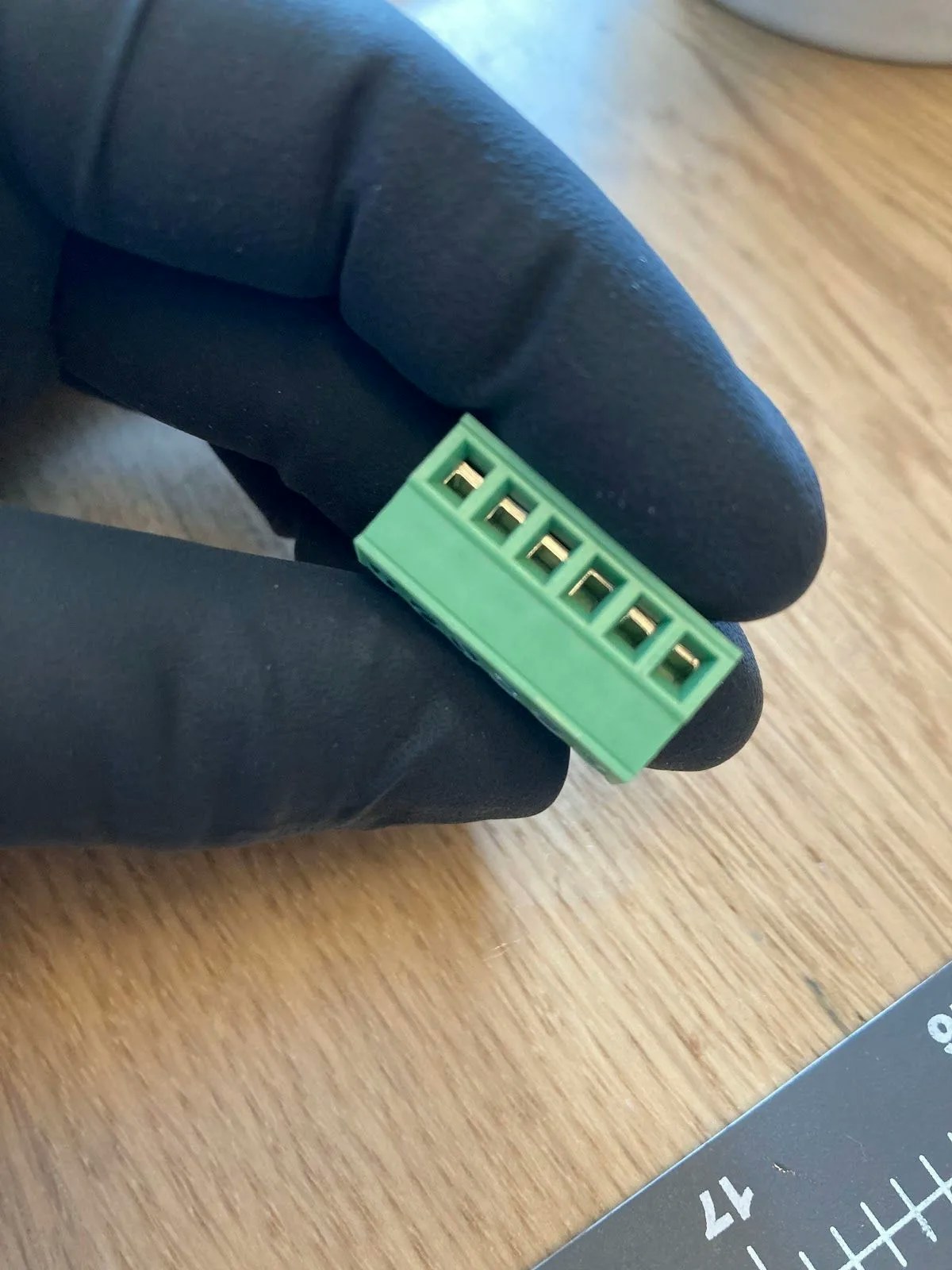
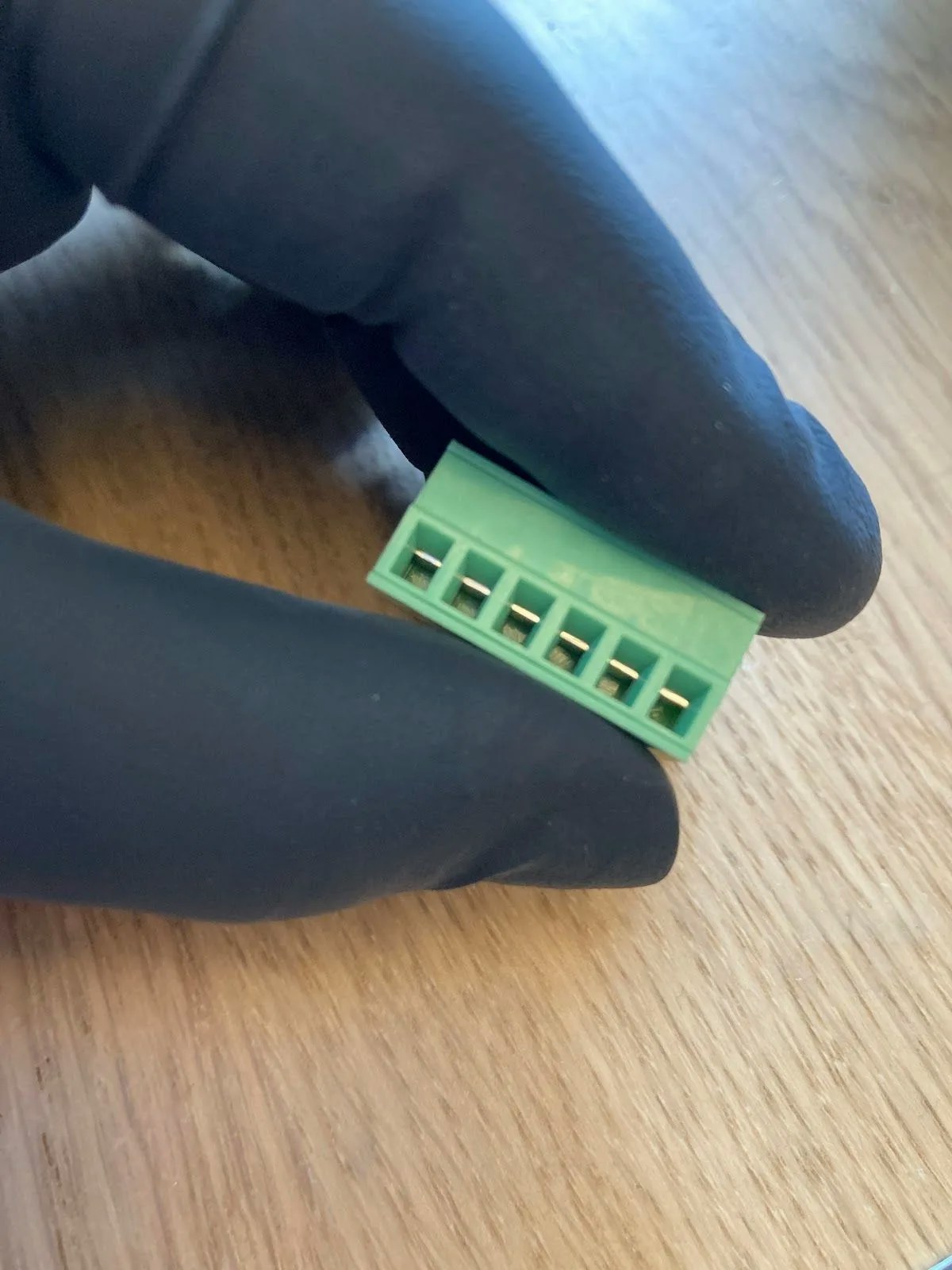
- Green connector
- PH04 Cable
- 250mm Power cable
- Wiring sleeve (optional)
Wiring the green connector
1
Open the connector terminals
Use your screwdriver to open all terminals on the green connector. The terminals arrive in the closed position by default.


Connector terminals in closed position (left) and open position (right)


2
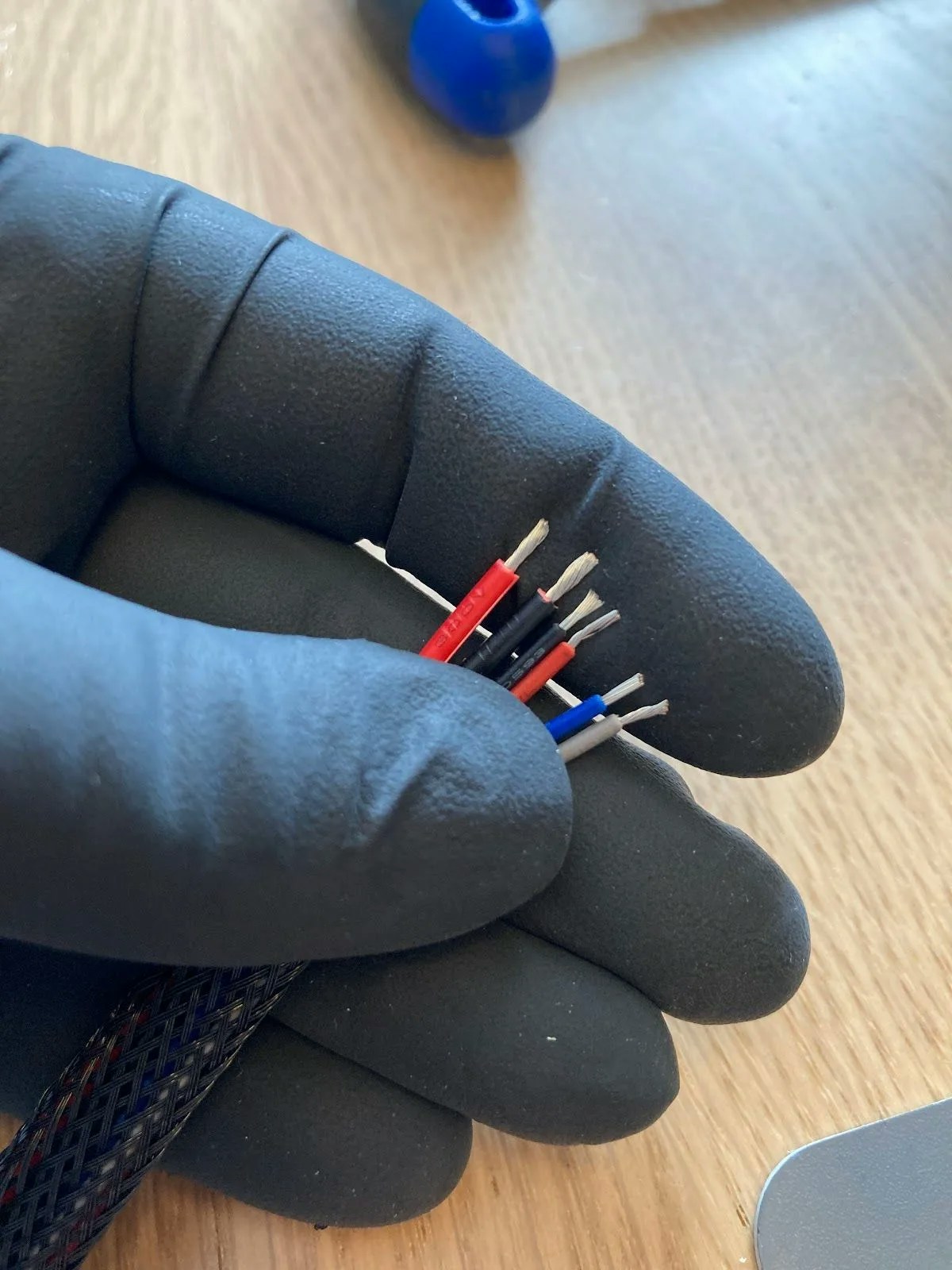
Prepare your wires
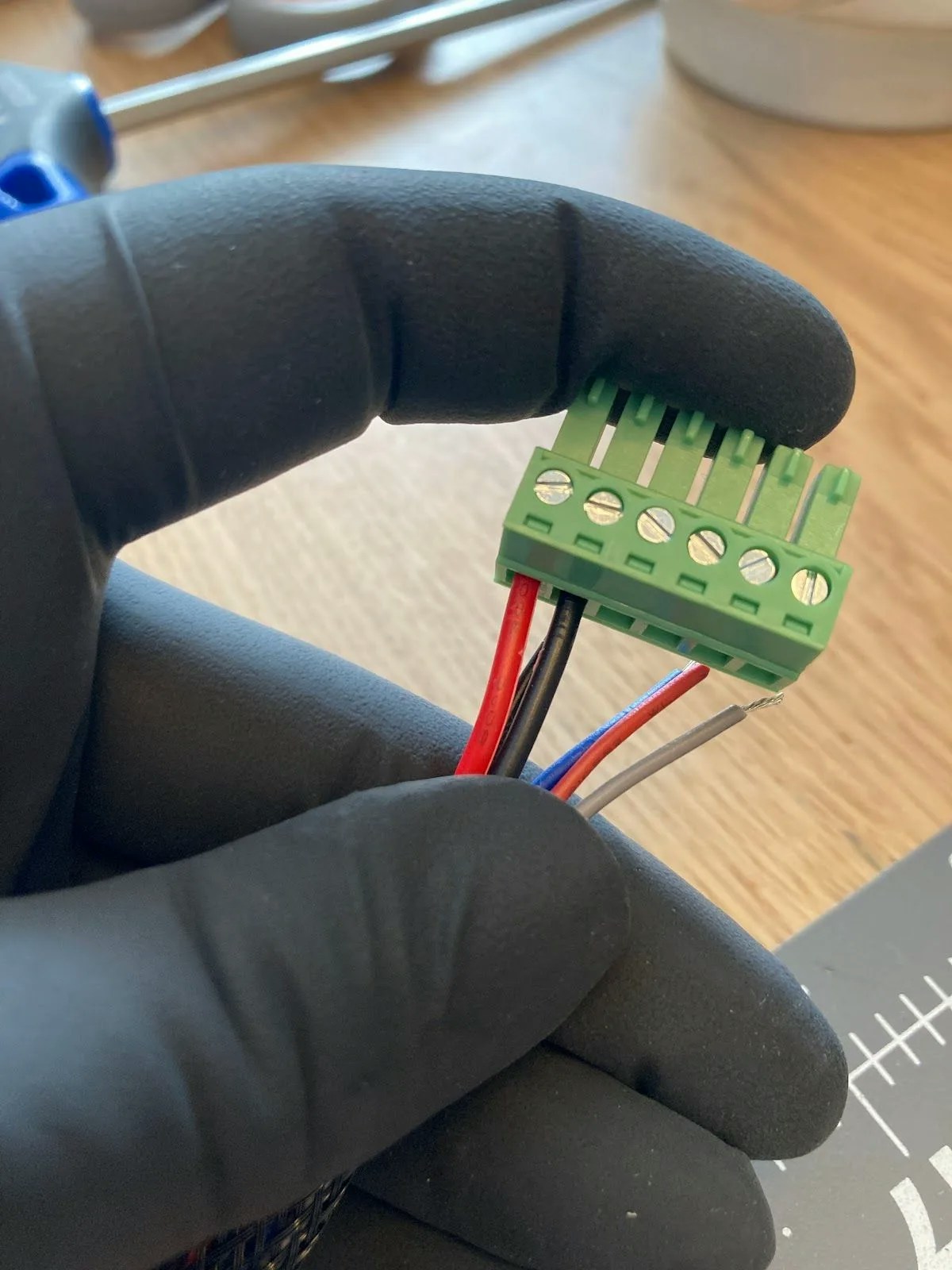
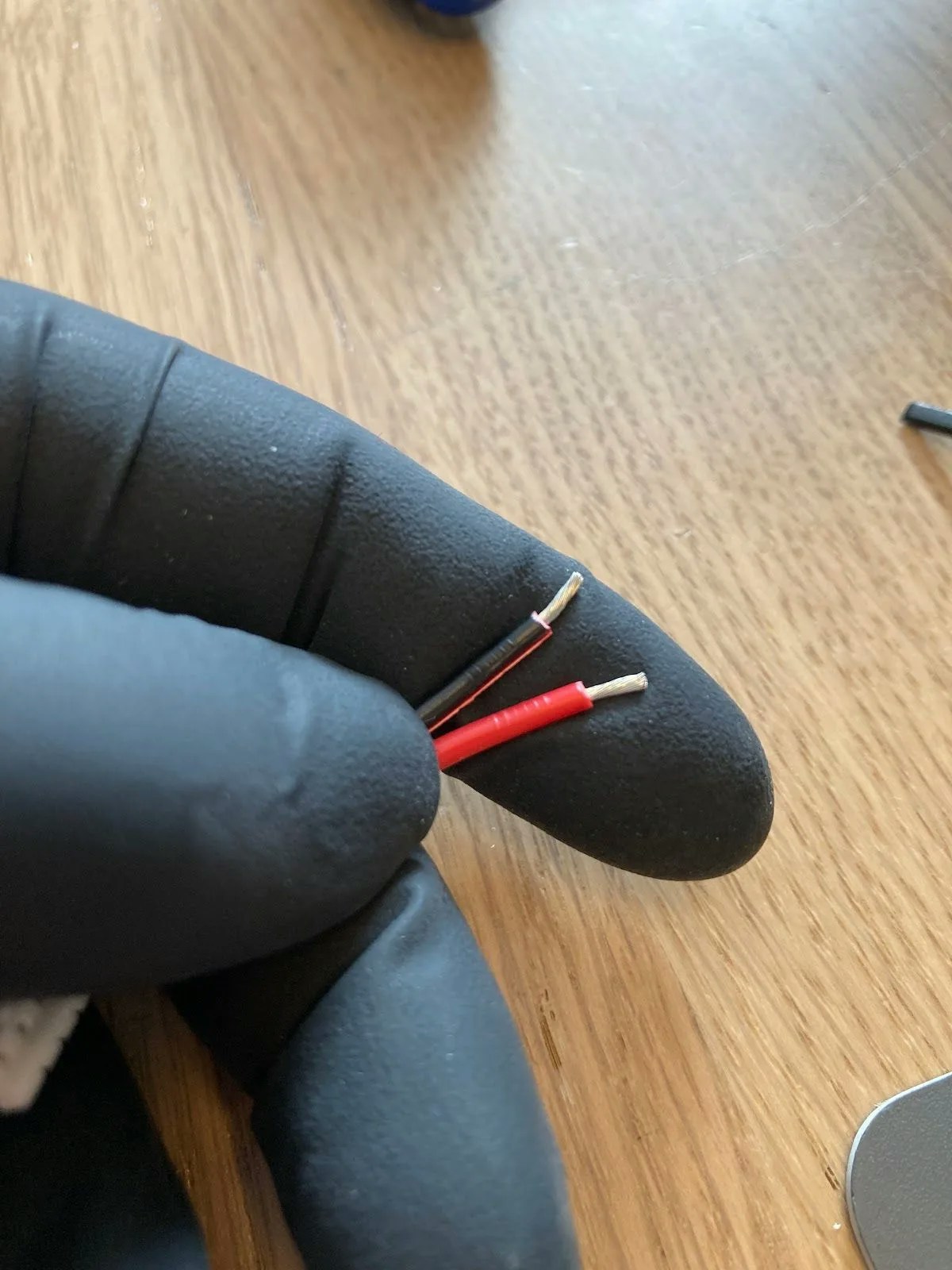
Separate the power cable wires and strip all wire ends to approximately 2-3mm (about ⅛”).Arrange your wires in this order from left to right:
- Power cable: Red, Black
- PH04 cable: Black, Red, Blue, Grey
3
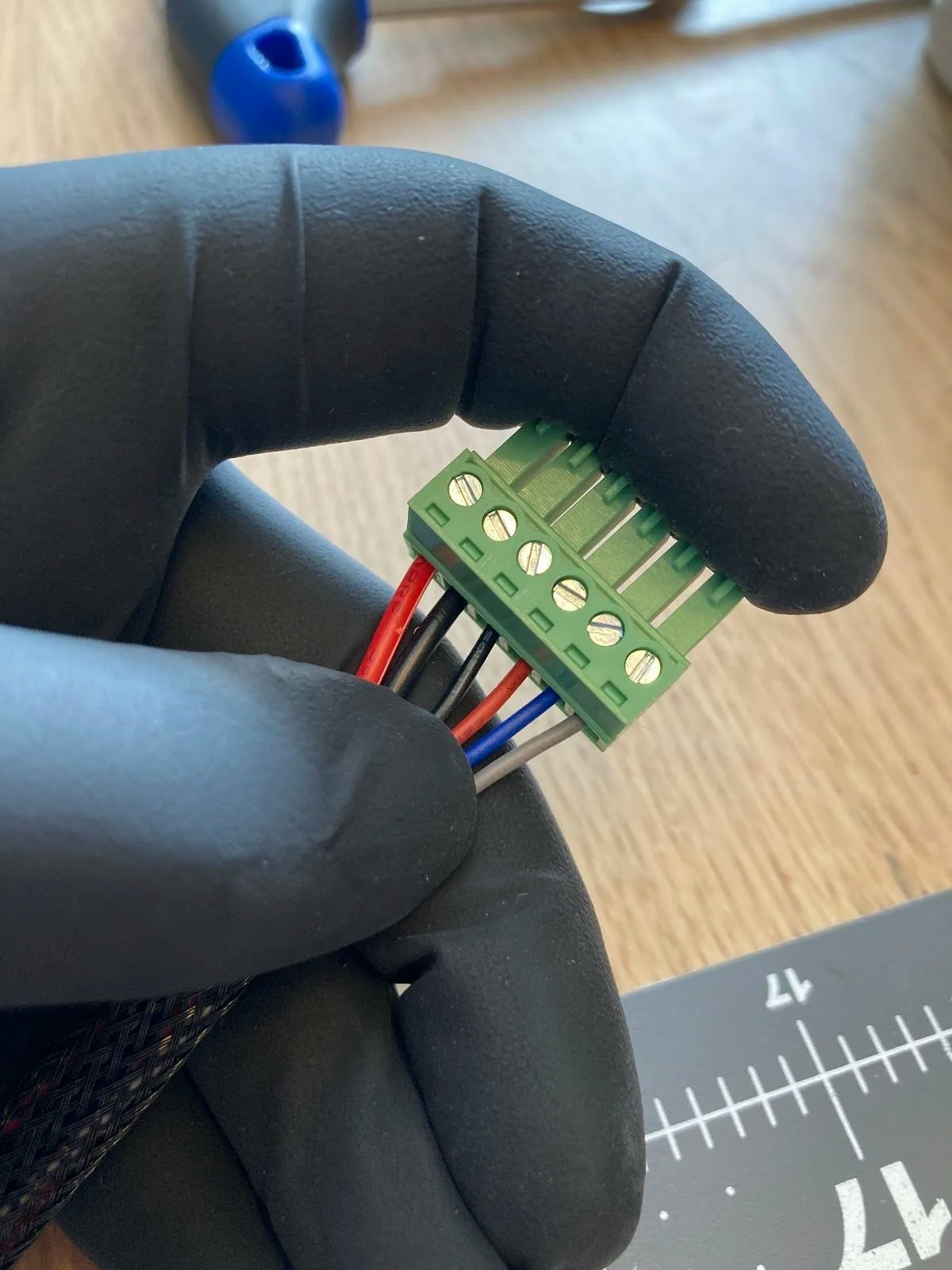
Connect the power cables
Insert the power cables (red, then black) into the first two terminals. Ensure the screws face the top of the connector.


Power cables inserted into the first two terminals

4
Connect the PH04 cables
Insert the PH04 cable wires (black, red, blue, grey) into the remaining terminals and tighten each screw securely.
Your green connector is now complete and ready to plug into the motor.
Wiring the OSSM PCB
1
Open the PCB terminals
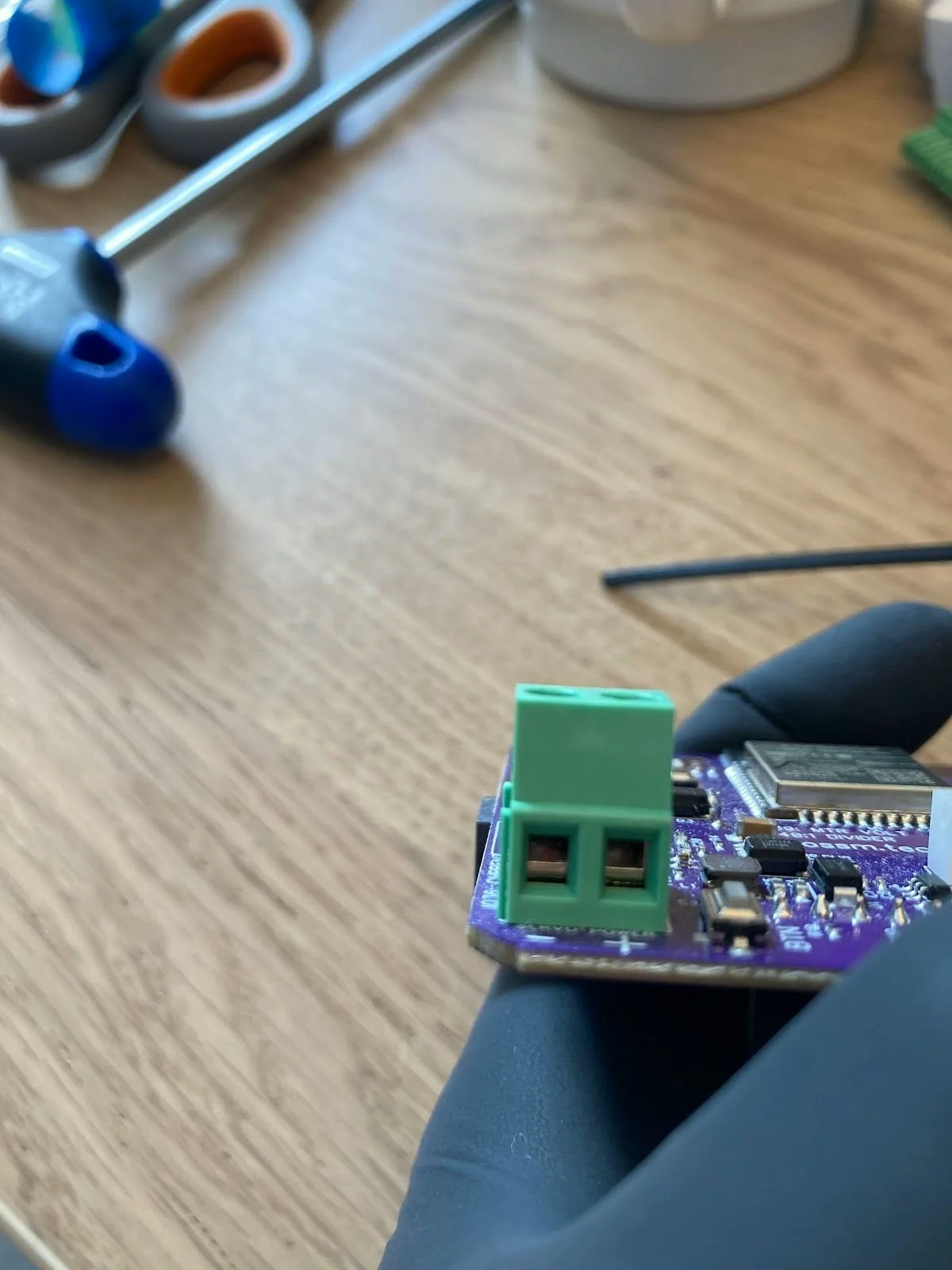
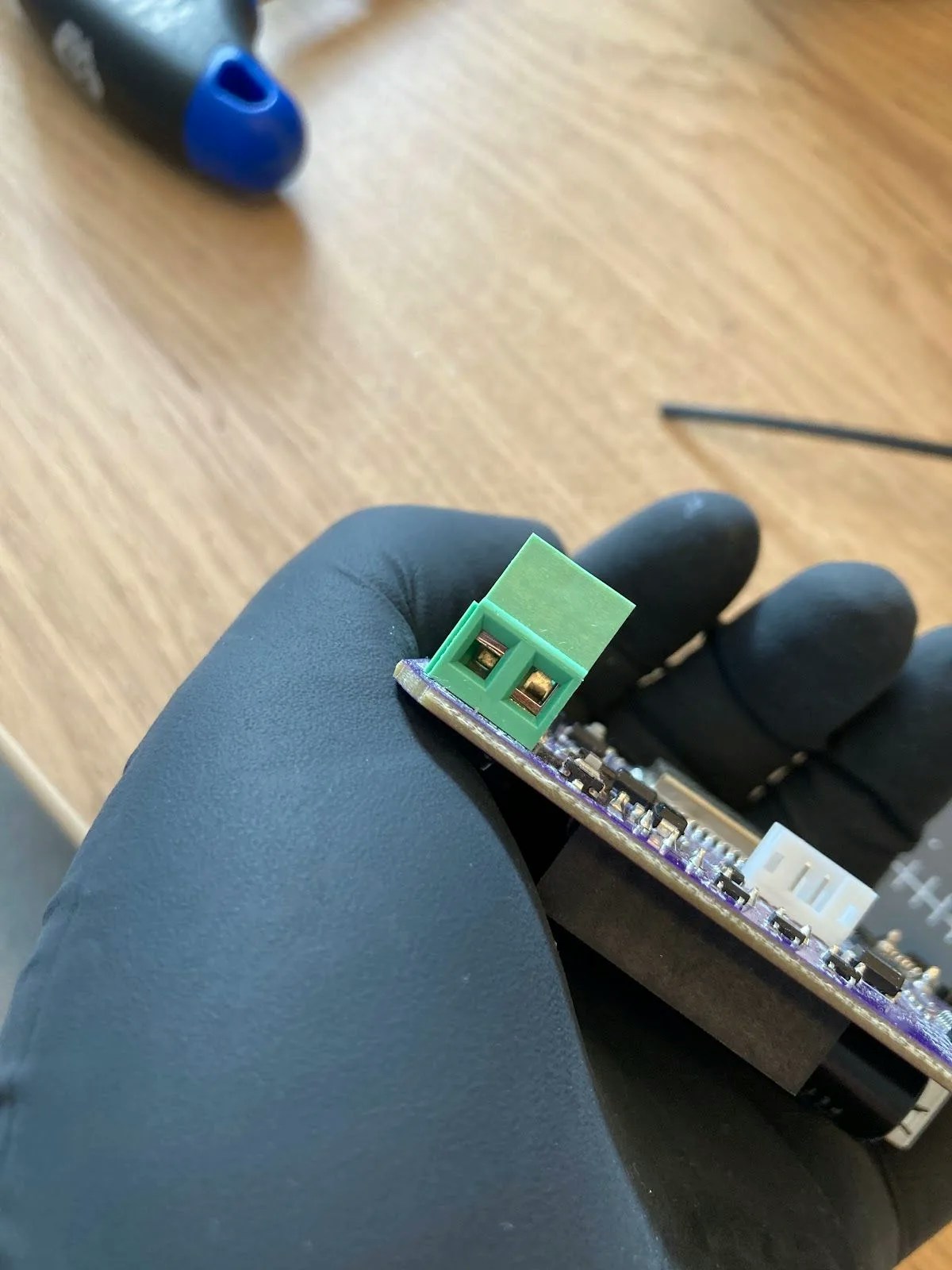
Locate the power terminals on your OSSM PCB. They arrive in the closed position.


PCB terminals: closed (left) vs open (right)

2
Prepare the power cable ends
Strip and separate the other end of your power cable. Twist the exposed wire strands together to prevent splaying.


Stripped and twisted wire ends ready for connection

3
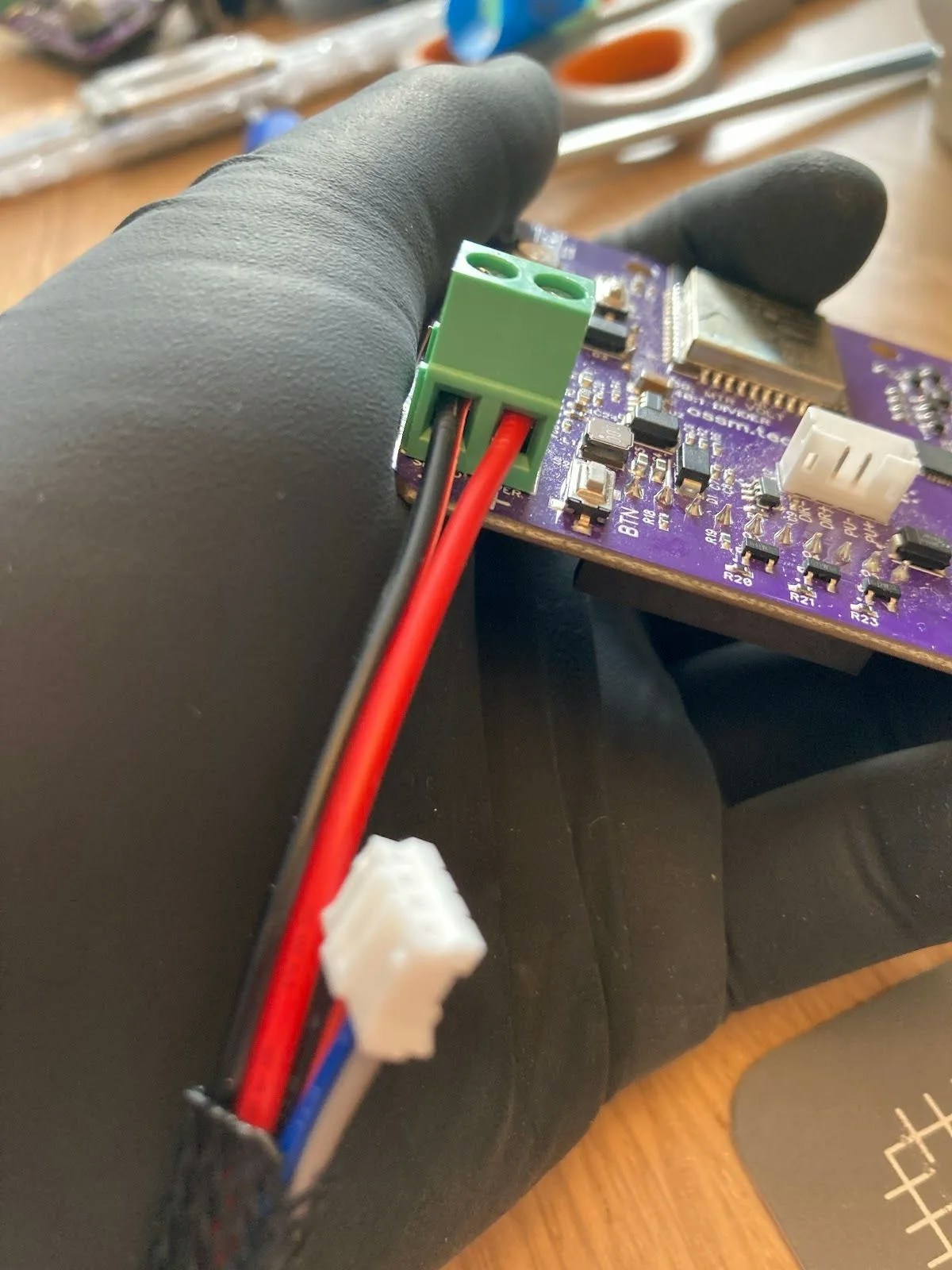
Connect power to the PCB
Insert the wires into the correct terminals:
- Black wire →
-terminal - Red wire →
+terminal
4
Complete the connections
- Plug the white connector from the PH04 cable into the matching white connector on the PCB
- Connect the green connector to the green terminal on the motor
- Plug your 24V power supply into the board
When powered on, the motor base displays a green light and the shaft begins rotating.
Troubleshooting
If you have your OSSM remote connected to the board during testing, the device cannot complete homing. This is expected behavior—homing requires your OSSM to be fully assembled with the rail installed.