

Bill of materials (purchased components)
Use this checklist to buy all non-printed parts for the official OSSM home-assembly configuration. Printed parts, linear rail, and extrusion mounts are covered separately in the mounting guides.For variations (different mounts, hardware layouts, or rail lengths), see OSSM Mounting. If you’re buying our bundles, see the Purchase Guide for the OSSM Home Assembly Kit.
Motor
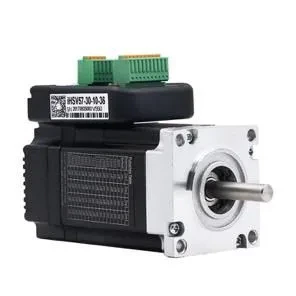
NEMA 23 integrated servo (Gold Motor 57AIM30 class)
- Standard build: 100W motor (recommended for most users)
- Higher power options: 140W or 180W motors increase available force; ensure your mount and fasteners are robust if you choose these.
If you source your motor from a third party (not R+D), you will need to program it before first use. See Programming Your Motorfor instructions.
Electronics
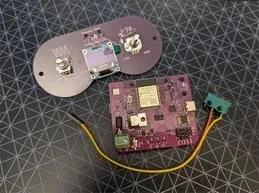
OSSM PCB and wired/wireless remote
- OSSM control board (24V system)
- Remote: wired hand controller or the RADR wireless remote
Board specs: 24V input up to ~5A, step/dir outputs and PH‑4 connector, on‑board back‑EMF protection. See OSSM PCB Spec sheetfor details and limits.
Mechanical components
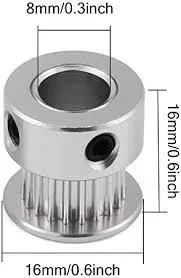
GT2 20‑tooth pulley, 8 mm bore
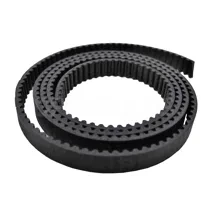
GT2 timing belt, 10 mm width
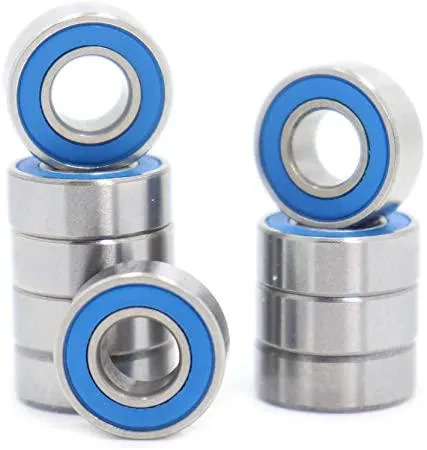
MR115 roller bearings (5×11×4 mm)
Power supply
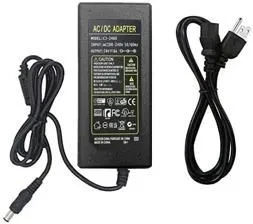
24V 5A enclosed switching power supply
- Input: AC mains appropriate for your region
- Output: 24V DC, continuous 5A
The PCB is designed for a 24V input and can deliver up to ~6A to the motor. See the OSSM PCB Spec sheetfor exact limits.
Hardware
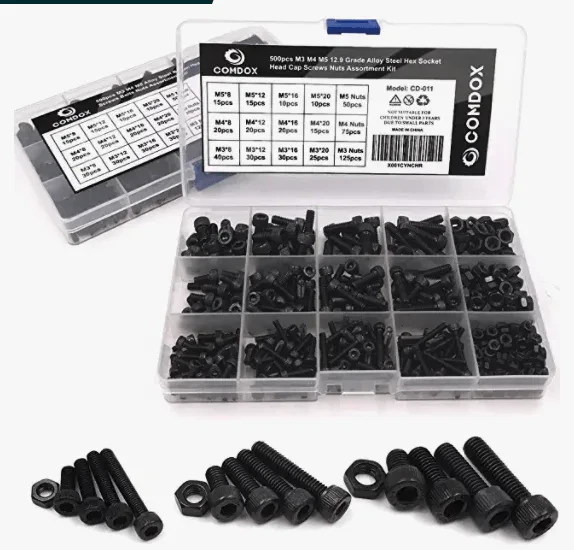
Metric cap screw assortment
- Common M5 lengths: 20 mm and 25 mm
- Pivot mount: 4 × M5 × 35 mm Include matching nuts and flat washers; nylon‑insert lock nuts are helpful for high‑vibration joints
Quick pre‑purchase checklist
- NEMA 23 integrated servo, 100W (or 140W/180W if needed)
- OSSM PCB and remote (wired or RADR wireless)
- GT2 pulley, 20T, 8 mm bore, 10 mm belt width
- GT2 belt, 10 mm width, ≥ 500 mm length
- MR115 bearings, 5 × 11 × 4 mm — Qty: 6
- 24V 5A enclosed power supply (UL/ETL/CE certified)
- Metric cap screw kit (M3/M4/M5) plus washers and nuts
OSSM PCB spec sheet
Electrical limits, connectors, and protection details.
Wire the Gold Motor
Correct wiring order and connector prep for the 57AIM30‑class motor.
Program your motor
Configure third-party motors before first use.
Flash firmware
Update firmware using the Web Flasher tool.
OSSM Mounting
Choose between the Basic or Extrusion mount and review their BoMs.