

Reset your password
If you’ve forgotten your dashboard password, you have two options: log in with a magic link or reset your password entirely.Log in with a magic link
You can bypass password entry by using the email link option on the login screen.1
Select Email link
On the login page, click Email link instead of entering your password.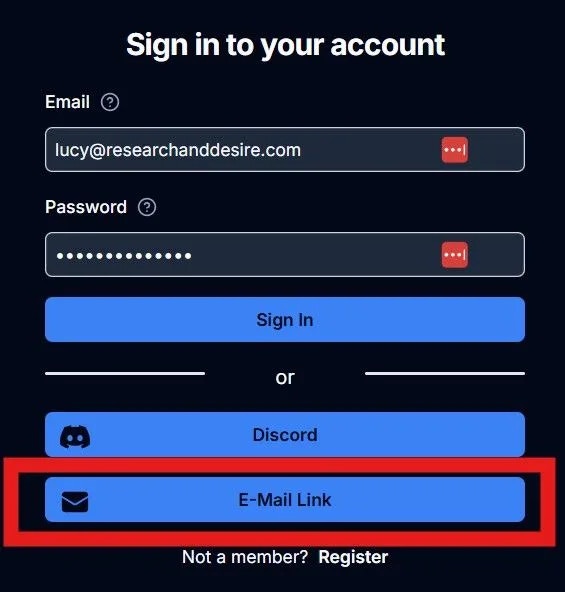
2
Check your email
You’ll receive an email with a secure link. Click the link to log in without entering your password.
Reset your password
If you prefer to set a new password, you can do so from your profile settings.1
Navigate to your profile
Go to Settings > My Profile in your dashboard.
2
Change your password
Scroll to the bottom of the page and click Change Password.
3
Confirm your new password
Enter your new password, then click Reset Password to save your changes.
Your password has been updated. Use your new password the next time you log
in.